If your radio requires you to enter a password after removing the terminals from the battery and you do not know the password (for example, after buying a car) or simply forgot it, we offer you unlocking online. Lexus Toyota Honda Porsche etc renowned brand Radio fixing, and parts from japan. We also ship ECU and other sensative parts from japan to customer and dealer. Contact us +61430386787 or +8801672761737
2019 Lexus NX300 F SPORT Navigation SD Card Solution
Navigation not working or missing the map SD card on your Lexus NX300 F SPORT? Navigationdisk provides compatible Lexus navigation map SD card solutions for selected NX300 systems.
📍 For 2019 Lexus NX300 F SPORT 🗺️ Navigation Map SD Card Solution 🔧 Missing / damaged navigation card support 🌍 Worldwide customer support
Before ordering: Please send us a photo of your navigation screen and the exact radio/head-unit model or ID. Compatibility can vary by market and head-unit configuration.
📲 Contact Navigationdisk for compatibility, price and delivery information.
When a Lexus radio suddenly asks for a code, it can feel oddly personal. One minute you’re driving along with your favorite station, and the next the screen is frozen behind a theft-protection message that looks more like a dare than a feature. The good news is that this is usually a solvable problem, and in many cases it has nothing to do with a damaged stereo.
The most common reason is simple: the car lost power. A dead battery, battery replacement, blown fuse, or disconnected terminal can trigger the anti-theft lock built into many factory Lexus audio systems. If you’re trying to deal with a lexus radio unlock issue, the first step is understanding that the radio is usually asking for verification, not repair.
Why Lexus radios lock in the first place
Factory radios in many vehicles are protected by a security code. That code is meant to make the unit less attractive to thieves, because a removed stereo is harder to use without the matching vehicle information or code. Lexus, like many premium brands, has used this approach across several model years and trim levels.
It’s not a flaw. It’s more like a lock on the front door that only becomes obvious after the power goes out. When the system loses power, it may assume the radio has been removed and installed somewhere else. In response, it shuts itself down until the correct code or reset process is completed.
Not every Lexus uses the same radio system, and not every lockout looks identical. Some units display “CODE,” others show “Err,” and some stay blank until the battery is stabilized. The age of the vehicle, the type of head unit, and whether it’s the original factory stereo all matter.
What usually triggers the lockout
People often assume they did something wrong, but most lockouts happen after a routine electrical event. A weak battery can dip low enough during startup to confuse the system. Replacing the battery can also reset the radio, especially if the car sat without power long enough.
Other causes include a jump-start done incorrectly, a loose battery connection, or maintenance work that disconnected the car’s electrical system. A blown fuse related to the audio or memory circuit can produce a similar result. In rare cases, a failing radio unit may look locked even though the deeper problem is inside the hardware itself.
If you recently serviced the car, the timing is often the clue. A lexus radio unlock request that appears right after electrical work is usually no coincidence. The stereo is doing exactly what it was designed to do, even if that design is inconvenient on a Monday morning.
Identifying the radio and the model year matters
Before you start entering numbers at random, it helps to identify the exact vehicle and audio system. Lexus has used different infotainment layouts across the IS, ES, RX, GX, NX, and other models, and the process can vary more than owners expect. A code procedure that works on one unit may do nothing on another.
The model year matters too. Older factory radios often rely on a printed code card, dealership records, or a serial-number lookup. Newer systems may be tied more closely to the vehicle’s VIN and service database. That’s why the same phrase, such as lexus nx rx gx radio code online, can lead to very different instructions depending on the age of the car and the exact head unit.
If you have the owner’s manual, maintenance paperwork, or the original window sticker envelope, check those first. You may find a card with the security code already written down. A surprising number of owners never realize the code has been sitting in their glove box for years.
How to check whether the radio really needs a code
Not every blank screen means the radio is locked. Sometimes the display is dark because the fuse is blown, the unit has no power, or the screen brightness is turned down. Before you assume the unit needs a code, check the basics.
Turn the ignition to accessory mode and listen for sound from other electrical items. If the clock, climate controls, or dome lights are acting strangely too, the issue may be broader than the stereo. A weak battery can cause confusing symptoms that look like radio trouble but are actually part of a larger electrical problem.
Look for an explicit code request on the display. If the screen says “CODE,” “SEC,” or a similar prompt, that is your signal. If it stays dark, first inspect the fuse panel and battery connections before spending time on code recovery.
Where owners usually find the original code
The most straightforward source is the owner’s documentation. Lexus often supplied a code card or a sticker in the paperwork packet when the vehicle was sold new. If you are the original owner, it may have been tucked into the manual packet and forgotten long ago.
Dealership service records can also help. Some dealers note the code in their internal system or attach it to the vehicle history. If the car has stayed within the same dealer network, retrieving the information may be easier than expected.
Another common source is the glove box, center console, or saved records from the previous owner. People sometimes write the code on a spare key tag or keep a photo of it on their phone. That tiny note can save a frustrating afternoon.
Using the VIN and serial number the right way
Many recovery methods depend on the vehicle identification number and the radio’s serial number. The VIN identifies the car, while the serial number identifies the stereo itself. Those two details help verify that the radio belongs to that specific vehicle.
In some Lexus models, the radio serial number can be found on the unit label, on a service screen, or through a diagnostic mode. On others, the unit has to be partially removed to access the label. If that sounds inconvenient, it is—but it is still better than guessing at a code and risking a lockout timer.
Always write the numbers carefully. A single wrong digit can send you down the wrong path, and serial numbers often mix letters and numbers that are easy to misread. Take your time, because mistakes here are more common than people admit.
Tips for recording the information
Keep a photo of the VIN plate, the radio label, and any code card in one secure folder on your phone. That makes future service work much less painful. I learned this the hard way after helping someone track down a code from an old folder that had been soaked by rain and turned into unreadable pulp.
If you write the code down, store it somewhere separate from the car. A locked glove box does not help much if the problem is that the radio is asking for the very code sitting inside it. A note in your home records or a password manager works better.
Save the VIN in a secure digital note.
Photograph the radio serial number if you can access it.
Keep a copy of any dealer paperwork that mentions the code.
Store the code outside the vehicle for future use.
Dealer help versus online lookup
For many owners, the dealership remains the most reliable route. A Lexus dealer can often verify the car and provide the appropriate recovery steps. In some cases they can look up the code directly, though policies vary by region and by radio type.
Online tools can be useful too, especially for older systems or when the dealer visit would take too long. Searches for lexus nx rx gx radio code online often turn up services that ask for the VIN and serial number, then generate or retrieve the code. Some are legitimate; some are not. The difference matters.
Be cautious with any website that promises instant results without asking for proper vehicle information. A real lookup usually requires verification. If a site feels vague, pushes payment too aggressively, or lacks clear contact details, it’s worth stepping back.
What a legitimate lookup process usually involves
A trustworthy lookup generally asks for the model year, VIN, and radio serial number. It may also ask for proof of ownership, especially if the information will be released by a dealer or service provider. That is normal and protective, not bureaucratic for the sake of it.
You should expect a reasonable response time, clear instructions, and no pressure to buy unrelated services. A solid provider will explain whether the code is available and what to do next if the radio remains locked after entry. If the process feels sloppy, it probably is.
Method
What it needs
Best for
Watch out for
Owner paperwork
Manual, code card, old records
Original owners
Missing or misplaced documents
Dealer lookup
VIN, proof of ownership
Verified factory units
Service fees, wait time
Online code service
VIN, serial number
Fast access for some models
Scams, incomplete data
Manual reset
Power cycle, correct procedure
Some newer systems
Wrong sequence, repeated failures
Entering the code without making things worse
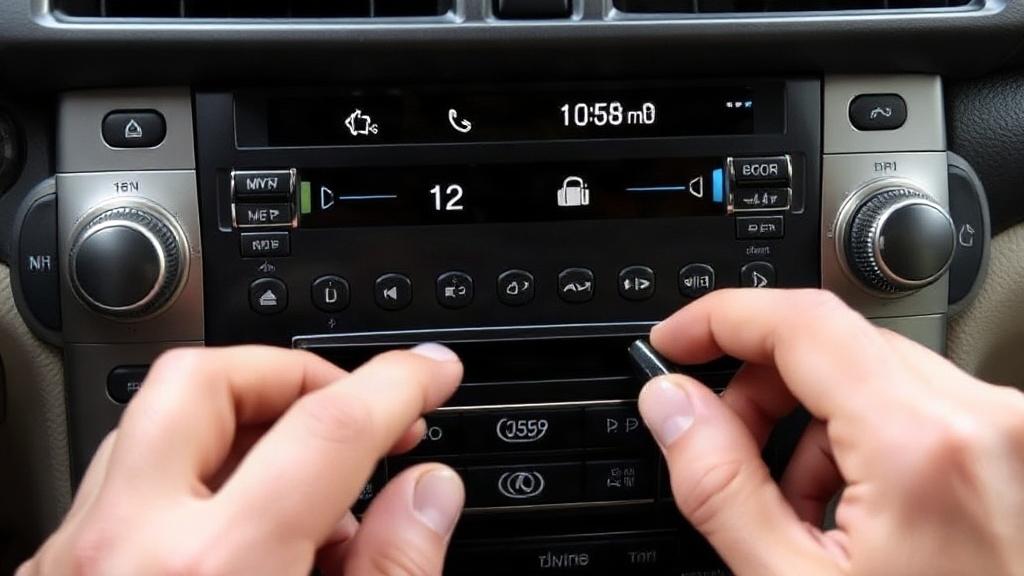
Once you have the code, the entering process is usually straightforward, but the exact button sequence varies by unit. Some Lexus radios use preset buttons for each digit. Others rely on tuning knobs, seek buttons, or touch controls. The owner’s manual is the safest guide.
Work slowly. If you enter the wrong code too many times, the radio may temporarily lock out additional attempts. That timer can be annoying, and in some systems it grows longer after each failure. A patient approach beats repeated guessing every time.
If the code accepts, the radio should return to normal almost immediately. If it rejects the code, stop and verify the number again instead of pushing harder. One swapped digit can make a correct code look wrong.
When the code is accepted but the unit still misbehaves
Sometimes the radio unlocks, yet the sound remains unstable or the screen behaves strangely. That can point to a separate electrical issue rather than a code problem. Loose connectors, low battery voltage, or an aging head unit may be involved.
If the unit powers on but cuts out, check the battery and charging system first. A healthy radio cannot do much if the vehicle voltage keeps dipping. The stereo is usually the messenger, not the cause.
Why the battery deserves attention too
It is tempting to focus only on the code, but the battery often sits at the center of the story. A battery that is near the end of its life can cause repeated resets, dashboard glitches, and stereo lockouts. If the battery is old, replacing it may solve one problem and prevent several more.
After battery replacement, some Lexus vehicles need a little time to relearn settings. Windows, clocks, seat memories, and the radio may all need attention. That does not mean anything is broken. It just means the car is recovering from having its memory interrupted.
If you suspect a weak battery, test it before going too far down the radio path. A simple voltage check can save you from chasing a code when the real issue is power stability. Sometimes the shortest route to the radio is through the battery terminal.
Common mistakes people make during the process
One of the biggest mistakes is trying random codes found on forums or guessed from birthdays, ZIP codes, or VIN fragments. That rarely works and can trigger lockout delays. A security code is not a puzzle to be solved by intuition.
Another mistake is removing the battery again and again in hopes of resetting the unit. That often makes the situation worse, not better. Repeated power interruptions can stress electronic modules and create new problems that were not there before.
People also misread the serial number all the time. A scratched label, dim display, or confusing font can turn an easy recovery into a dead end. If the numbers do not line up with the code service, double-check everything before assuming the code is wrong.
A simple step-by-step approach
Confirm that the radio is actually requesting a code.
Check the battery, fuses, and recent electrical work.
Find the owner’s manual, code card, or service records.
Locate the radio serial number and VIN.
Use the dealer or a verified lookup source.
Enter the code carefully and slowly.
Stop if the system rejects repeated attempts.
Older Lexus models and their quirks
Older Lexus vehicles can be surprisingly straightforward in one way and frustrating in another. The hardware is often more basic, but the paperwork trail may be thin. If the car changed owners several times, the original code may have vanished years ago.
Some older factory units use a very specific button sequence or display menu to accept the code. Others will not reveal the serial number without removal. This is where patience matters more than confidence. The process is usually simple once you know it, but only once you know it.
If you are working on an aging sedan or SUV, it may help to search by the exact model, year, and trim rather than just the brand. Lexus changed audio systems often enough that broad advice can mislead more than it helps. Specificity saves time.
Newer infotainment systems are different
Modern Lexus vehicles use more integrated infotainment platforms than older cars did. In some cases, the screen and audio functions are tied to navigation, Bluetooth, voice control, and vehicle settings. That changes how lockouts appear and how they are resolved.
Some systems may not ask for a classic radio code at all. Instead, they may reconnect after a reset, a software cycle, or dealer calibration. That is why a one-size-fits-all answer rarely fits Lexus ownership very well.
If the vehicle is under warranty or recently had software updates, the dealer may be the cleanest path. A newer unit can be less forgiving of casual experimentation, and the interface may hide the problem behind menus instead of a blunt “CODE” message. The issue may look simpler than it is.
When professional help is worth it
There is no medal for forcing a repair that should have taken fifteen minutes. If you cannot locate the serial number, the display is unresponsive, or the code lookup returns conflicting information, a qualified technician can usually sort it out quickly. That can be cheaper than damaging trim, clips, or wiring while trying to do it yourself.
This is especially true if the stereo is part of a larger system. On some Lexus models, the radio is integrated with navigation and vehicle controls in a way that makes DIY removal awkward. If the dash has to come apart, one wrong pry can turn a radio issue into a trim repair.
I’ve seen owners spend half a day chasing a code only to discover that a loose battery terminal was the whole problem. A professional diagnosis would have caught it in minutes. Sometimes paying for certainty is the sensible choice.
How to avoid another lockout later
Once the radio is working again, keep the code somewhere safe. That one habit can save a lot of future frustration after a battery change or electrical repair. Small preparations are boring until they become useful.
It also helps to keep the battery in good shape. Replace weak batteries before winter strain or long periods of storage create a no-start situation. Stable power is the best medicine for a system that dislikes interruptions.
If you plan to disconnect the battery for maintenance, check whether the vehicle recommends a memory saver or specific procedure. That advice can reduce the chance of losing radio settings, window calibration, and other stored preferences. A little preparation keeps the next reset from becoming a headache.
A few practical reminders for owners
Not every lockout means you need a dealer visit, and not every online service deserves your trust. The safest path starts with the car’s records, continues with the correct VIN and serial number, and ends with careful code entry. The details matter more than the drama.
Also, if your search terms include lexus nx rx gx radio code online, make sure the source is talking about your actual model and year. Lexus audio systems vary enough that generalized advice can be almost right, which is another way of being wrong. Precision beats speed here.
If the radio still refuses to cooperate after the correct steps, the issue may be deeper than a code request. At that point, the unit itself, the vehicle wiring, or the battery/charging system deserves a closer look. A stubborn screen is sometimes the symptom, not the story.
Bringing the sound back without the guesswork
A locked Lexus radio can feel like a needless hassle, but it is usually a manageable one. Once you know where to look, the problem tends to break into pieces: verify the power supply, identify the unit, recover the code, and enter it carefully. That sequence is simple, but it works.
The fastest solution is often the one built on accurate information rather than improvisation. That means the right records, the right numbers, and a little restraint when the unit refuses a bad attempt. In the end, getting the sound system back is less about luck than about following the trail the car already left behind.
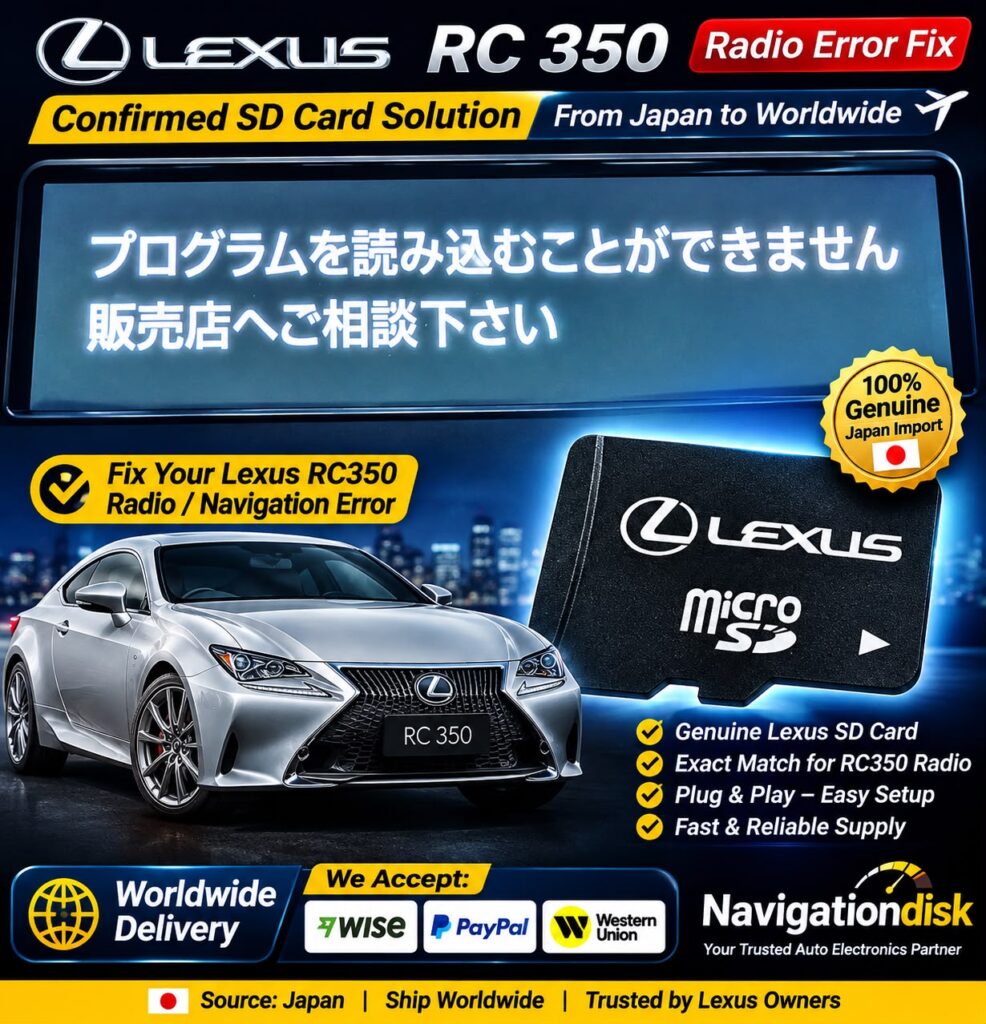
Having a locked, restricted, or navigation-related issue with your Lexus GX550 radio? Navigationdisk provides radio and navigation solutions for Lexus vehicles, including Japanese-import models.
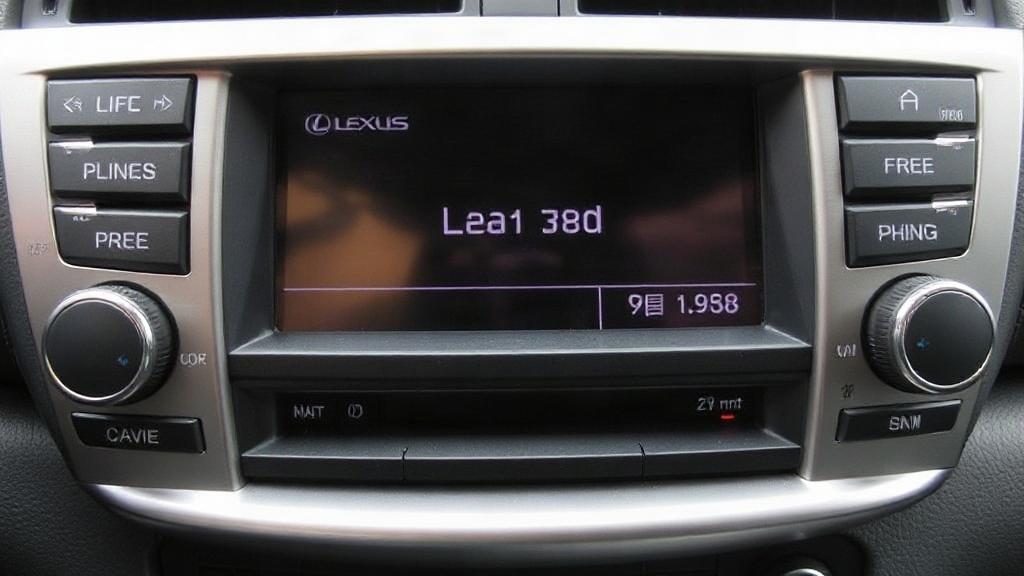
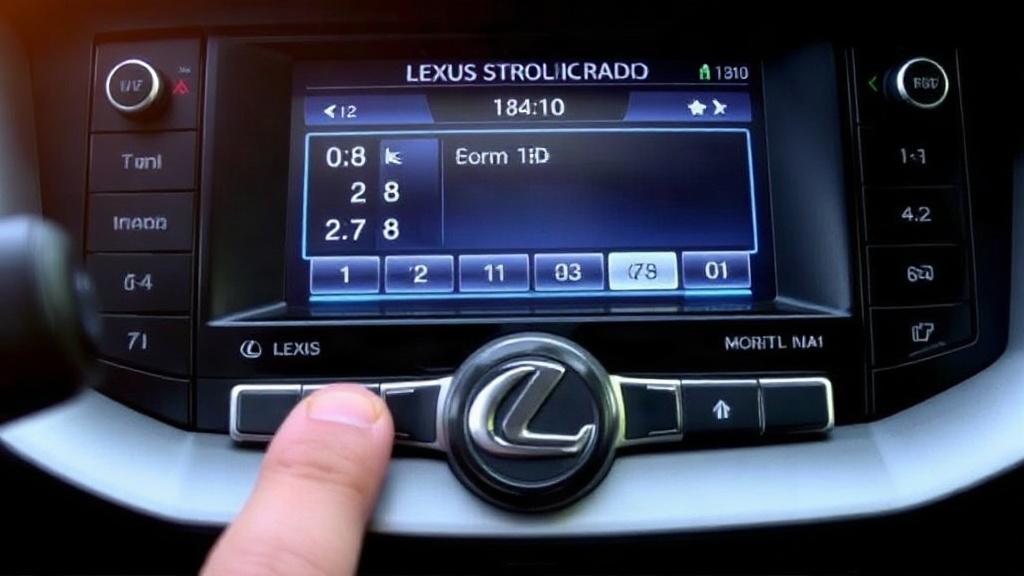
Send us your radio photo of the navigation screen/error message - we will guide you online to unlock .
Worldwide customer support available
Contact Navigationdisk via WhatsApp for compatibility, price and service information.
For Price, Payment method, Delivery method - please message us on WhatsApp or Viber (24 hours).


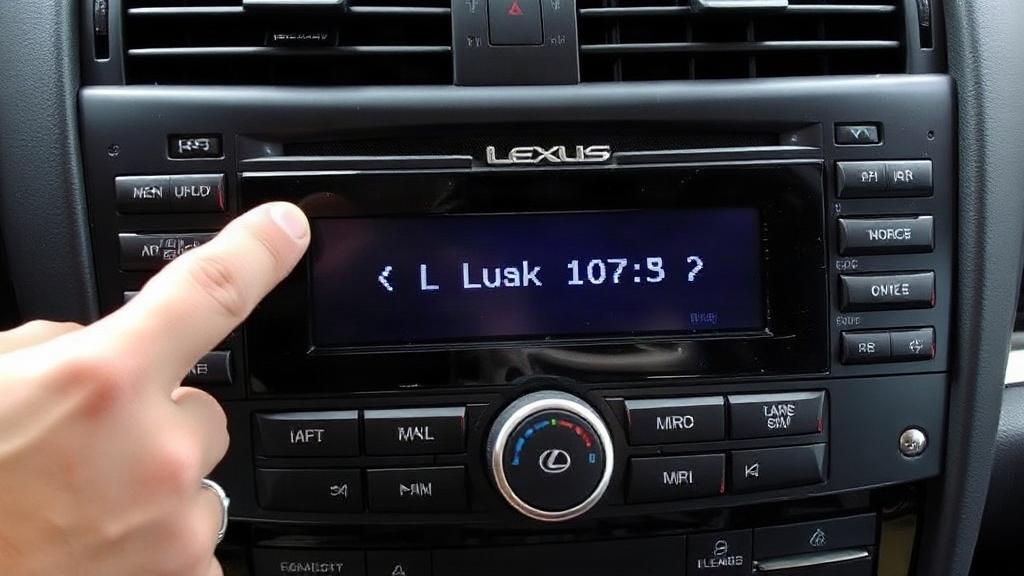
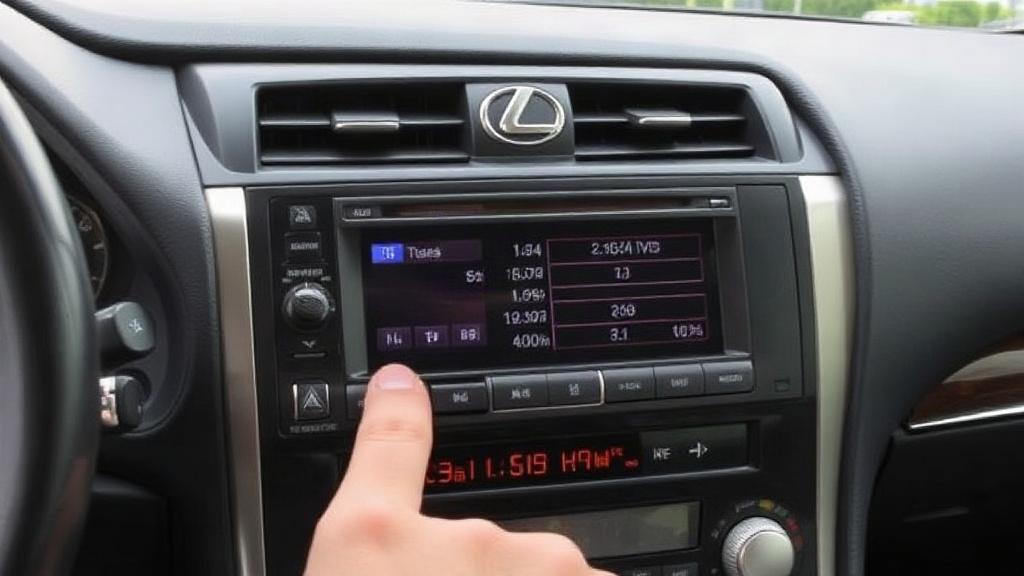
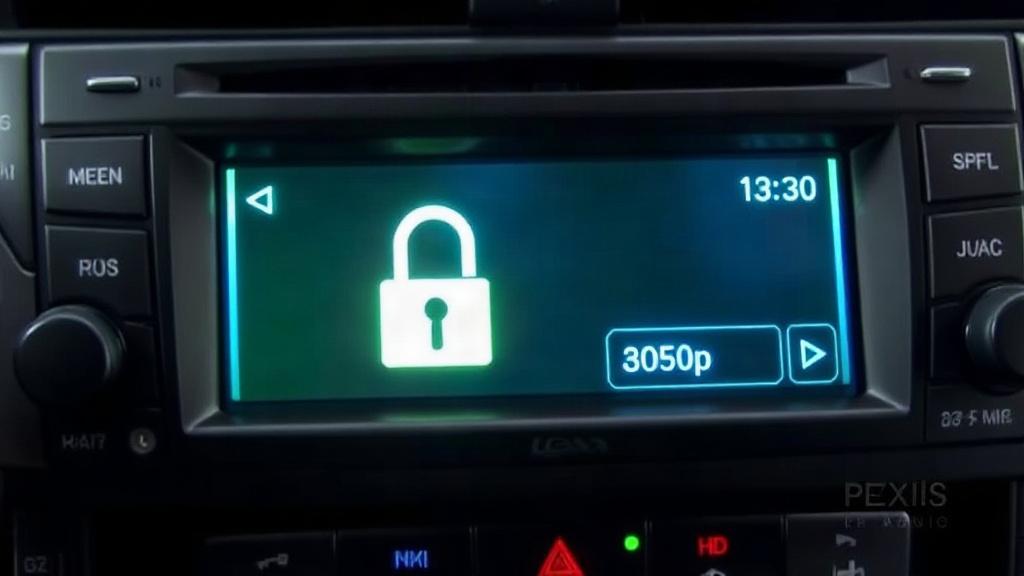
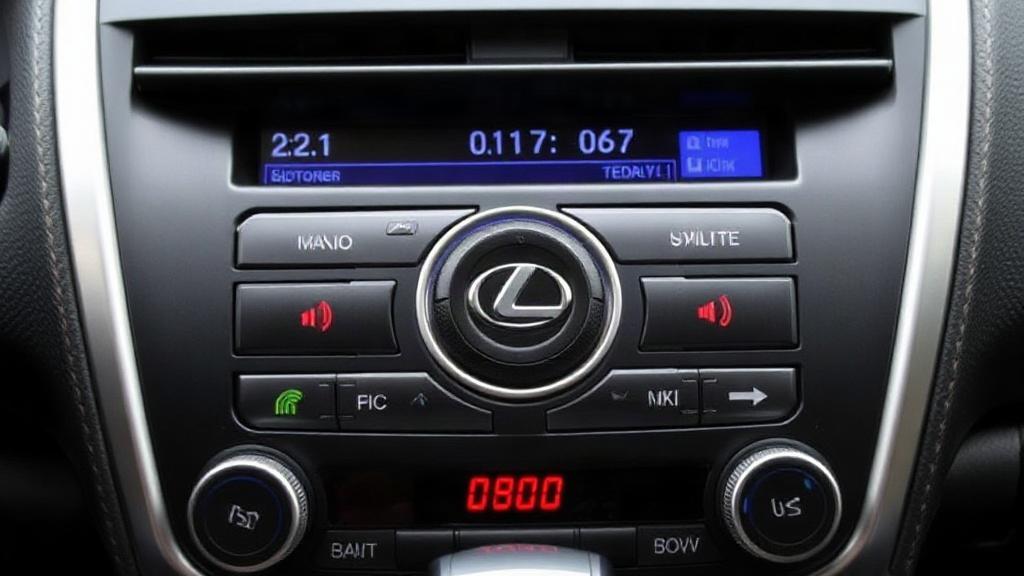


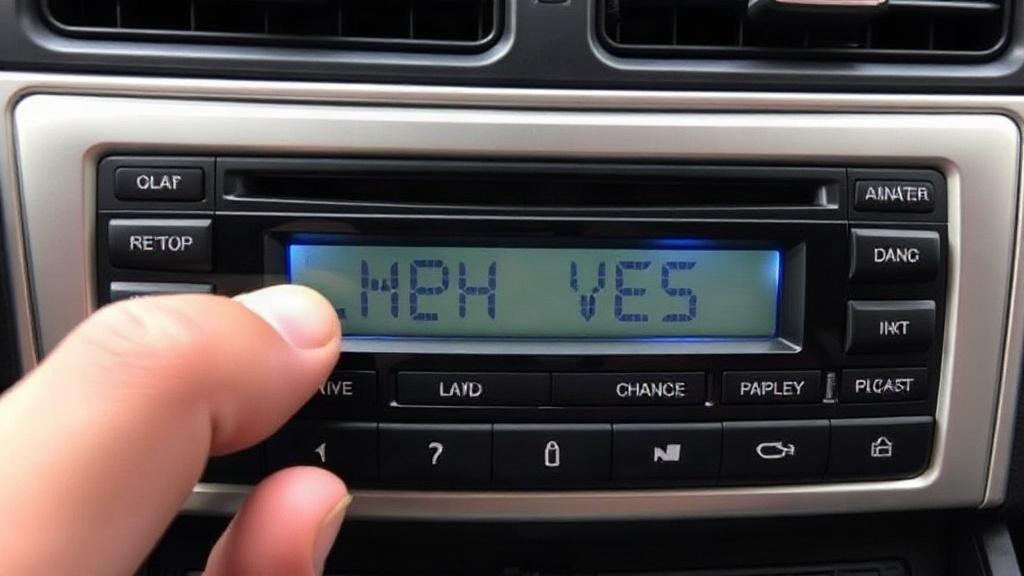
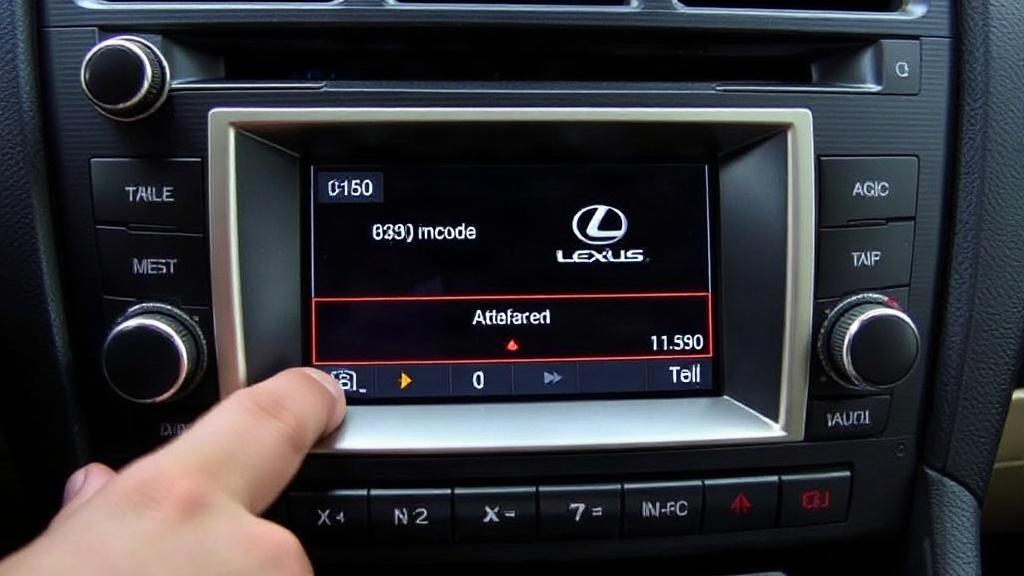



 Send us your radio photo of the navigation screen/error message - we will guide you online to unlock .
 Worldwide customer support available
 Contact Navigationdisk via WhatsApp for compatibility, price and service information.

